Web
AvailableThe full suite in any modern browser, installable as a PWA so it opens in its own window and keeps working offline.
Drive, Docs, Sheets, Slides, Notes, Photos, Calendar, Diagrams and Drawings — nine apps in a single Rust binary. End-to-end encrypted, works offline, and runs on hardware you control.
Hosted at getneutrino.app · No credit card required
Not a file host with an editor bolted on. Every app writes to the same drive, shares the same search index, and is encrypted with the same key.
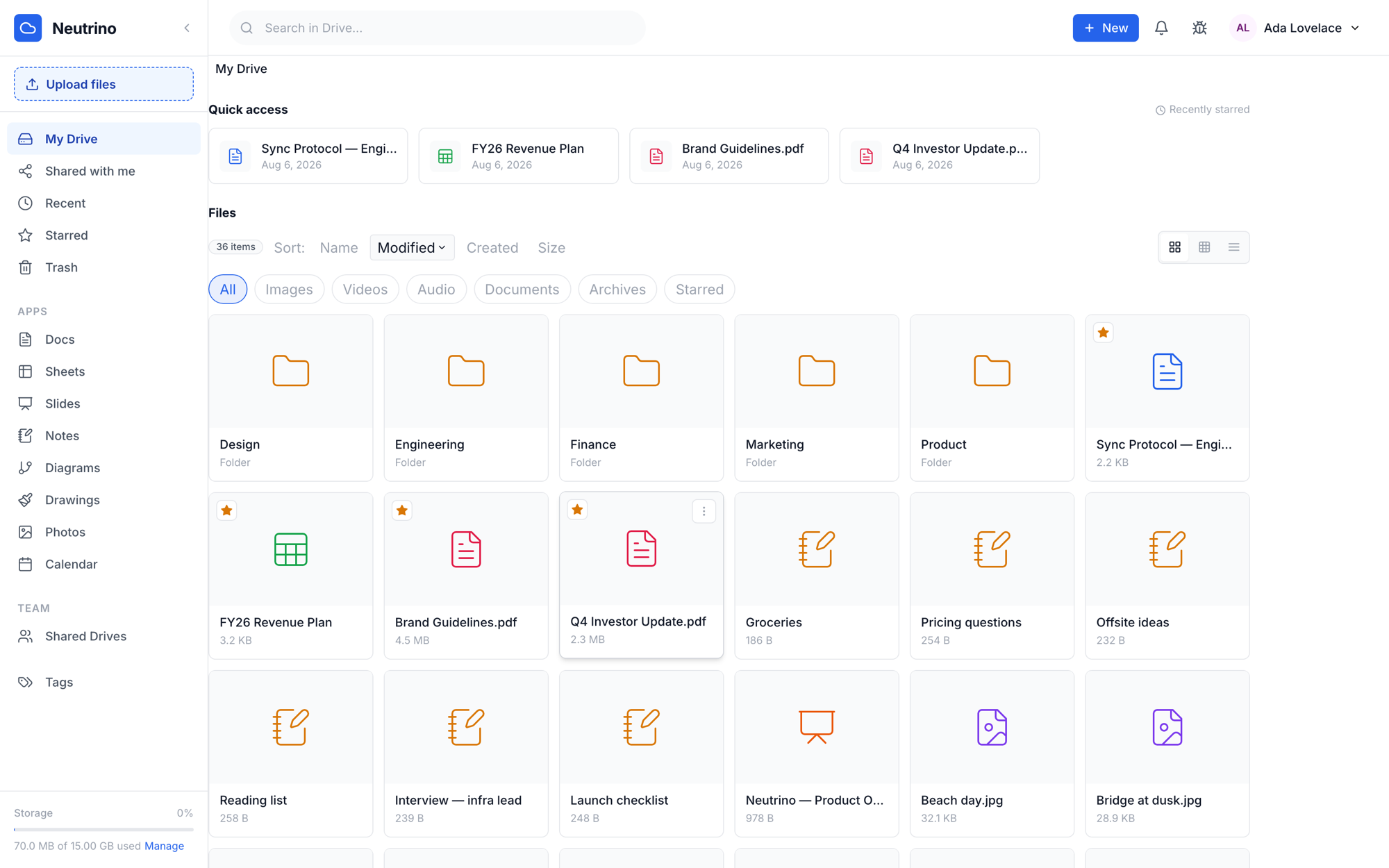
Streaming uploads up to 10 GB, nested folders, tags, stars and shortcuts. Quick access surfaces what you starred; the grid, list and detail views are all one click away.
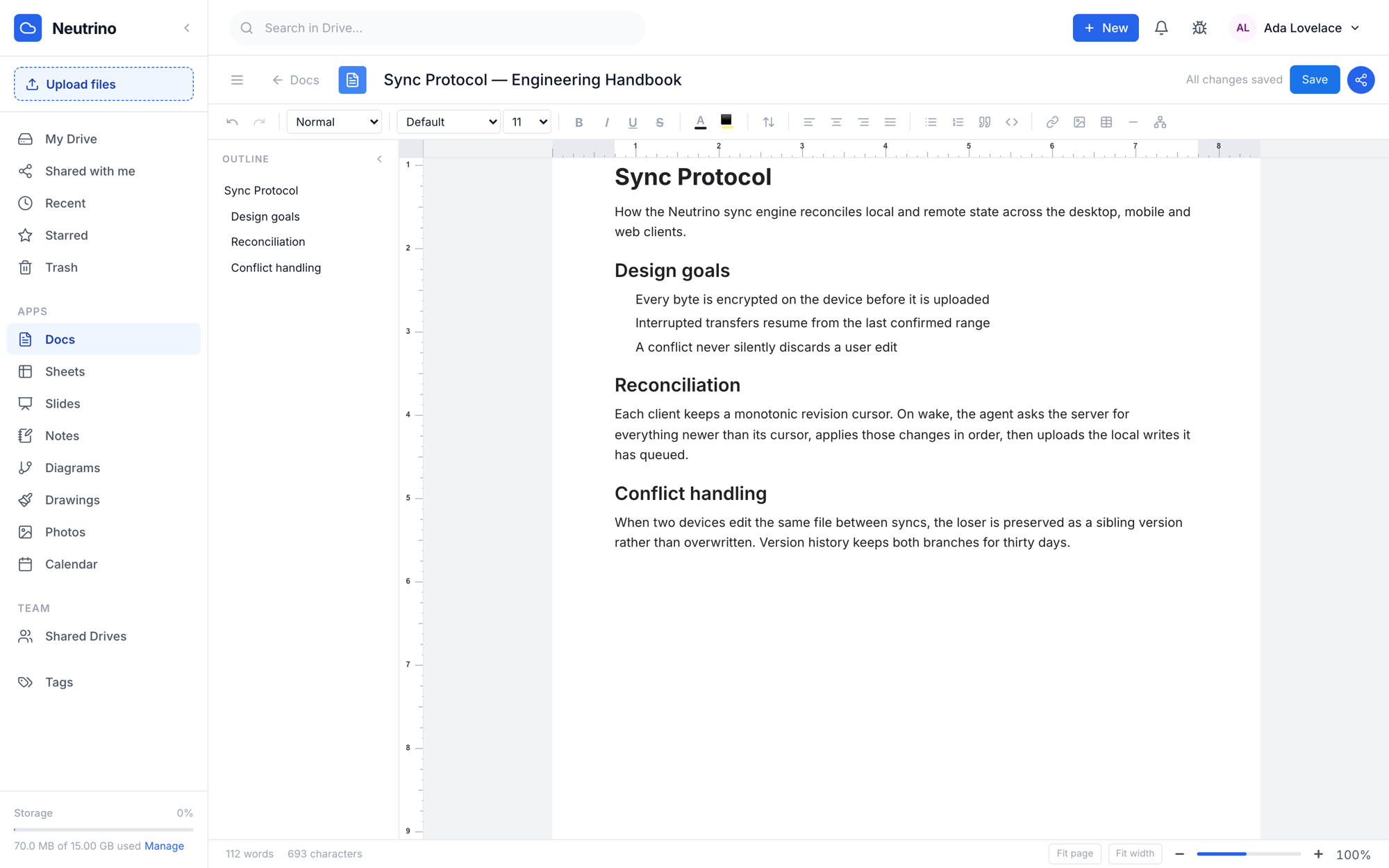
A full rich-text editor with a live outline, page rulers, styles and a word count — collaborative in real time and encrypted before a single byte leaves the browser.
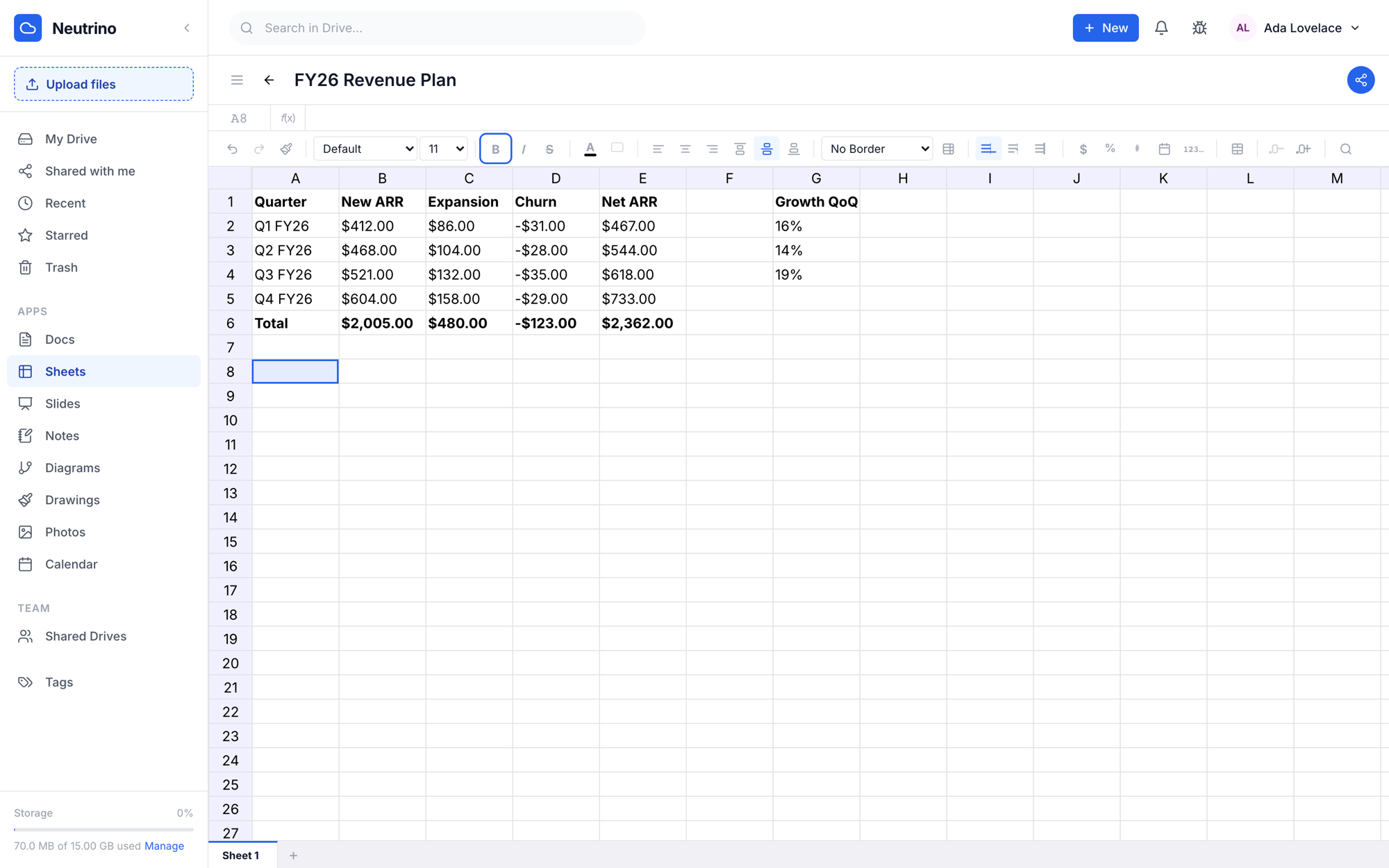
A virtualised grid that stays fast at scale, with a formula engine, cross-sheet references, named ranges, conditional formatting and charts.
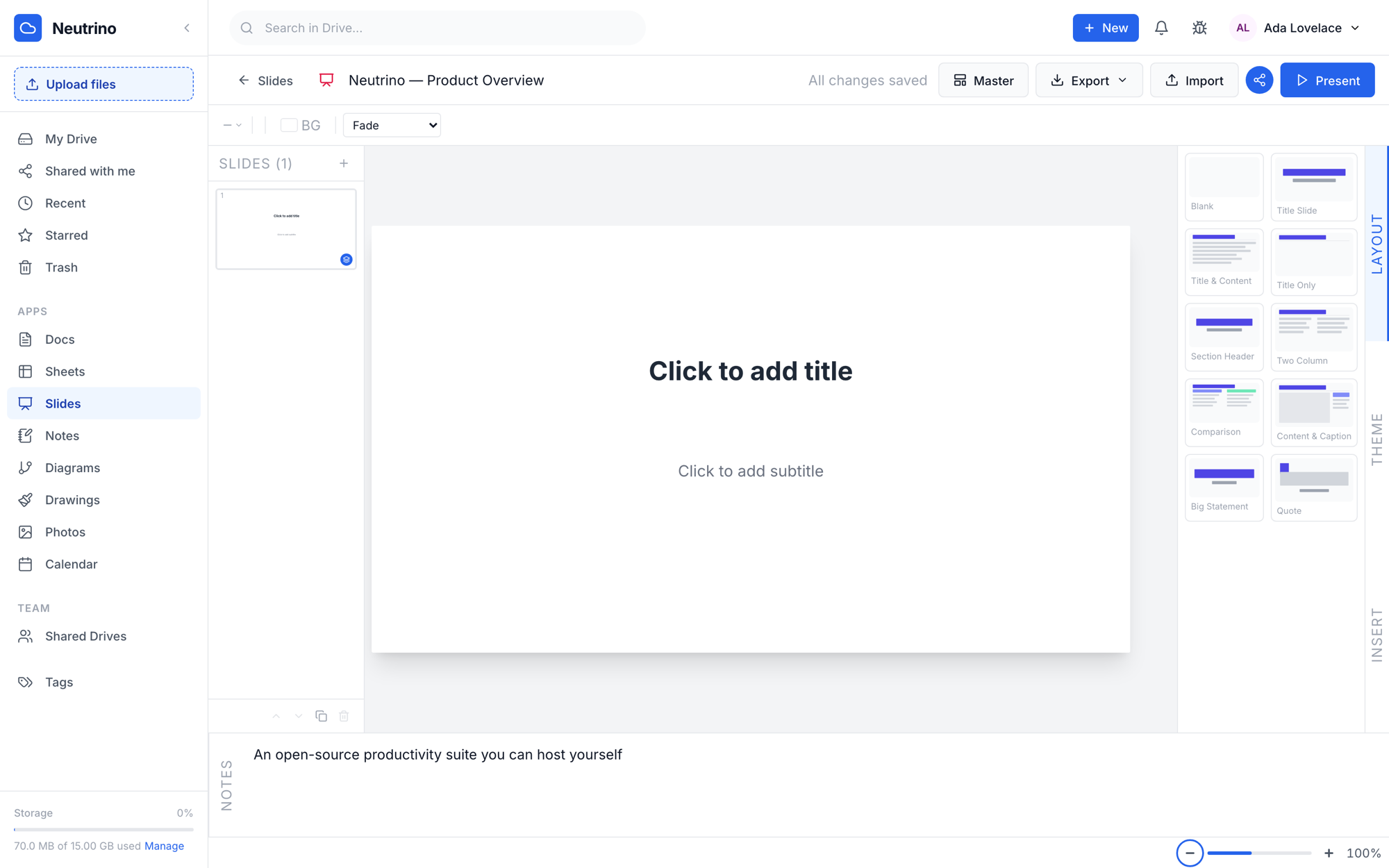
Pick a layout, type, present. Master slides and themes keep a deck consistent, and speaker notes travel with it.
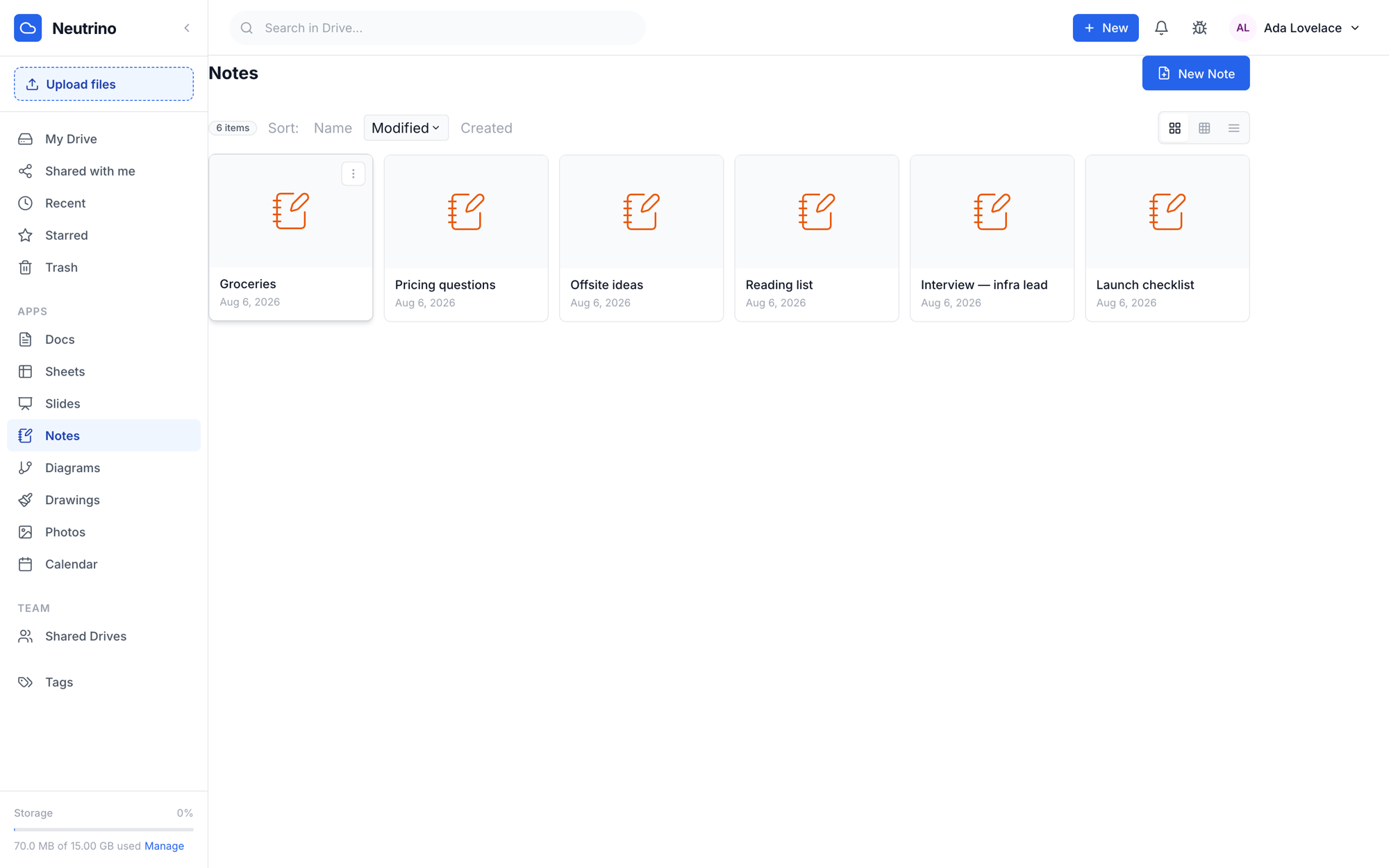
Block-based notes that sync live across every device you own. Notes are end-to-end encrypted, so the server stores ciphertext and nothing else.
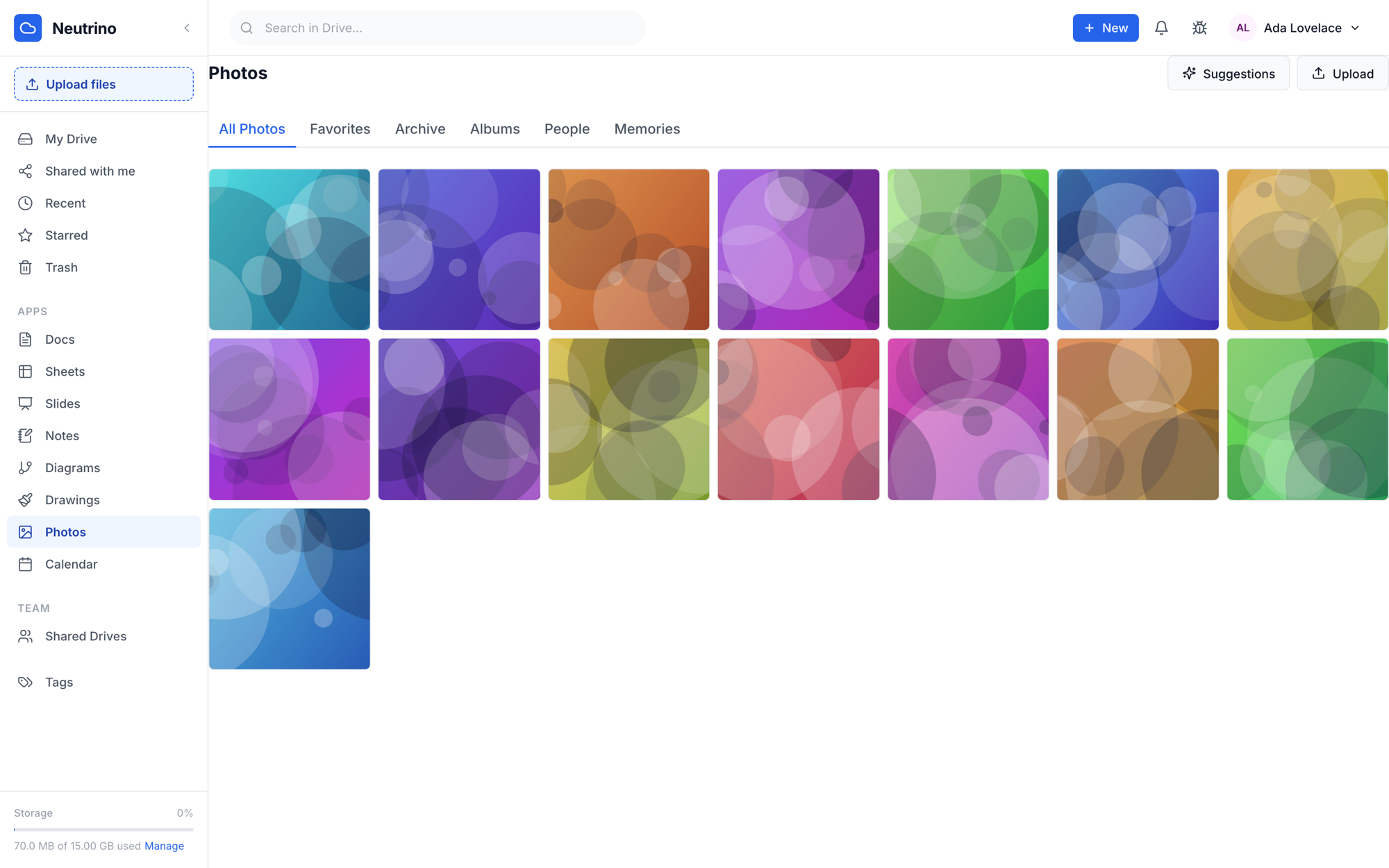
Albums, favourites, archive and memories over the same storage as the rest of your drive — with people grouping that runs against your own data.
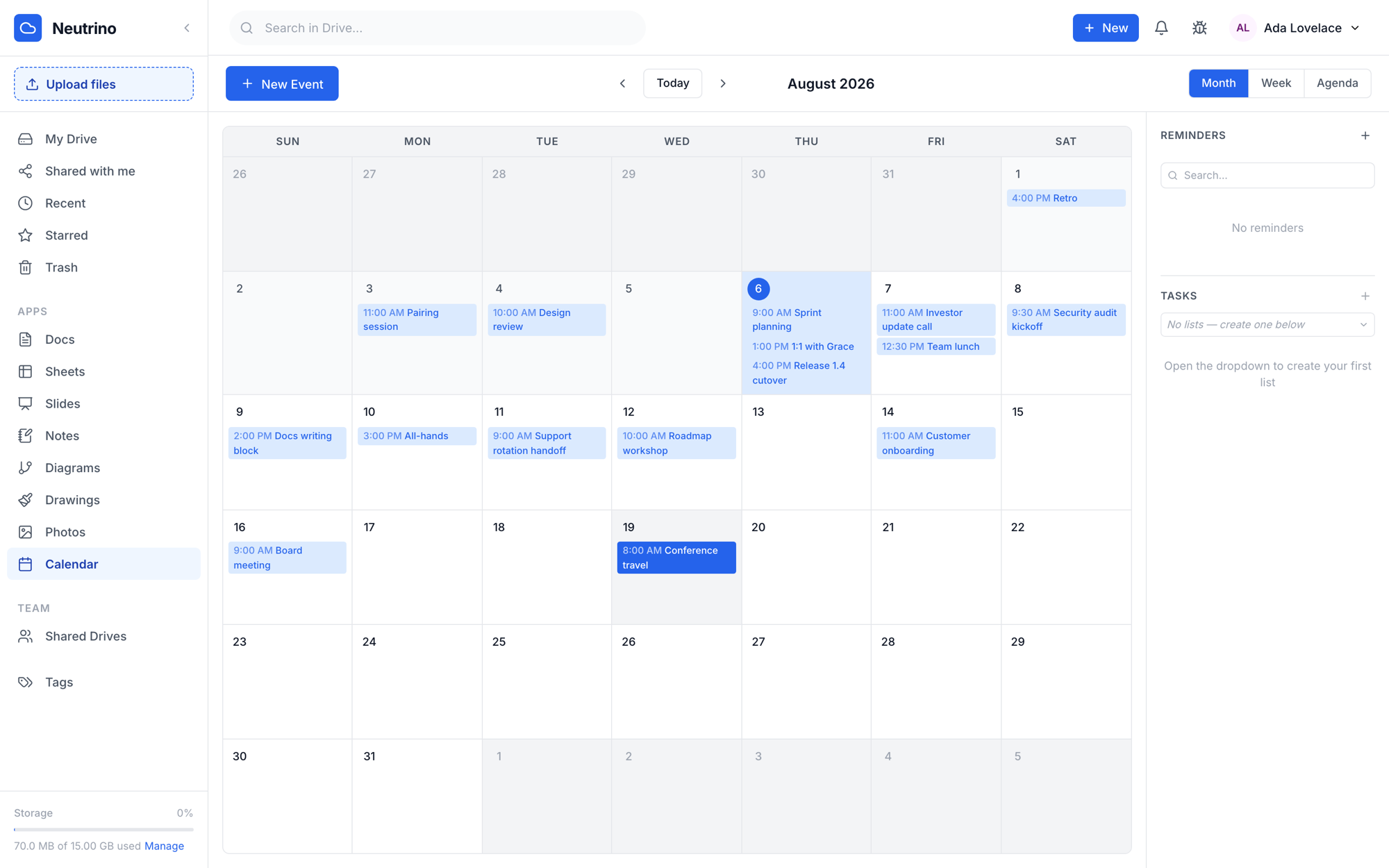
Month, week and agenda views with recurring events, reminders and task lists in the sidebar. Sync with Google or Outlook, or import an .ics and keep it local.
Diagrams and Drawing round out the nine — flowchart, UML, BPMN, ERD and cloud shape libraries, plus a freehand canvas, both saving into the same drive.
Everything below is shipped and running today — not a plan.
Every write to your drive is encrypted in the browser first — documents, notes, uploads, photos and imports alike. There is no plaintext path left to fall back to, so a server operator, including you, only ever sees ciphertext.
No passphrase to forget: your keyring unlocks with the device. Add a phone by scanning a PIN-protected code, and rotate your identity whenever you like — retired keys are archived so older files keep opening.
Docs, Sheets, Slides and Diagrams carry live presence and co-editing. Notes sync between your own devices the moment a save lands.
One index spans every app. Because content is encrypted, search runs locally in your browser — the server is never asked what you were looking for.
Keep editing on a plane. Writes queue locally and reconcile when you reconnect, on the web app and the native clients alike.
Share links with roles and expiry, shared drives for teams, access requests, comments and an activity trail on every file.
Import a Google Takeout archive straight from the browser — Keep becomes Notes, Drive documents and spreadsheets become Docs and Sheets, Google Photos becomes Photos. Folder tree intact, and every file keeps the dates it already had.
A Rust server that embeds its own migrations and serves the web app. SQLite by default — no external database to run before you start.
Per-user quotas, upload caps, TOTP two-factor, session management, feature flags and an audit trail, all in the admin panel.
Native clients speak the same encrypted protocol as the web app, so a file you edit on your phone is the same file your desktop syncs a second later.
The full suite in any modern browser, installable as a PWA so it opens in its own window and keeps working offline.
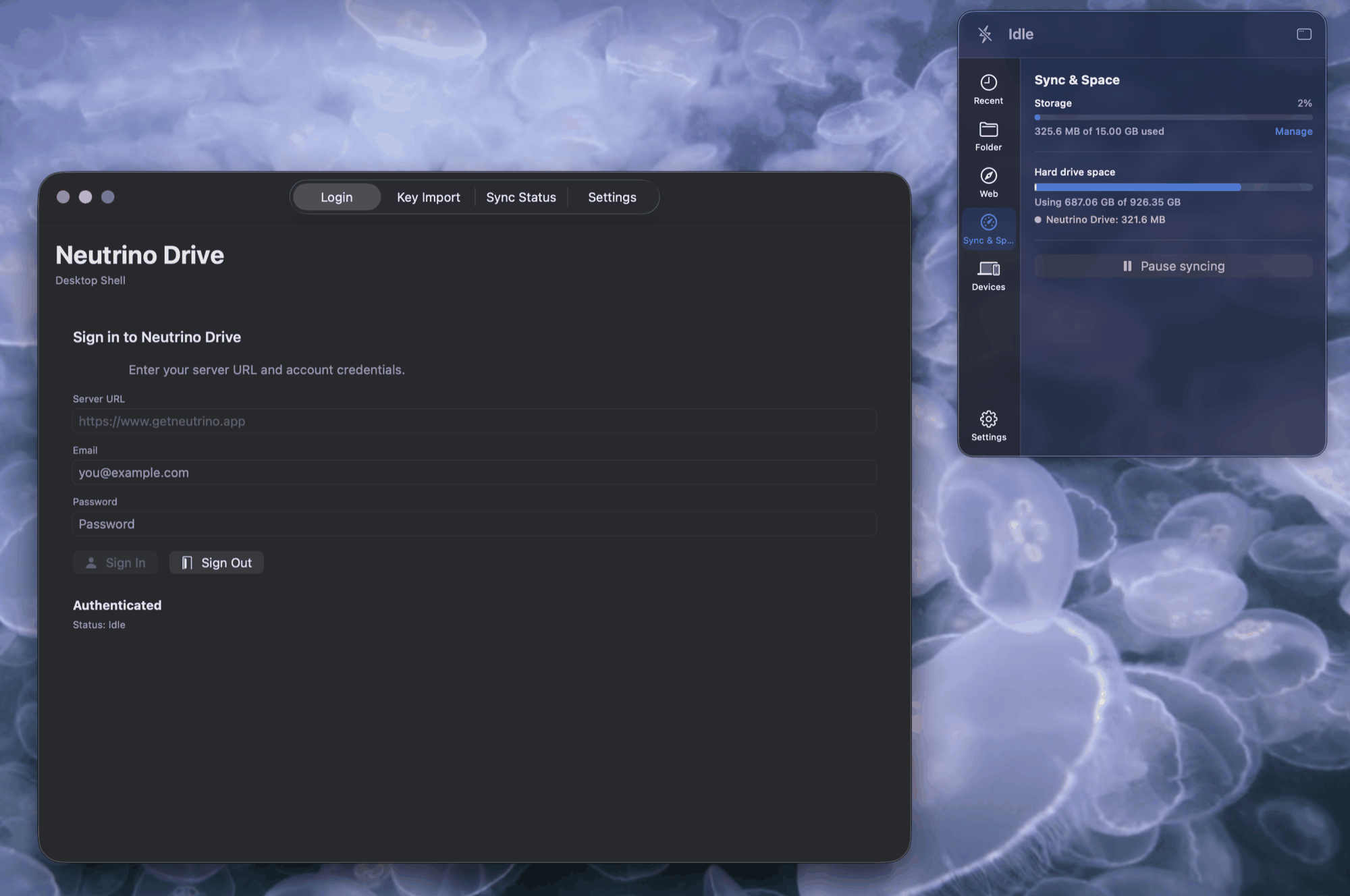
A native menu-bar app with a Finder File Provider extension, so your drive is a folder like any other and syncs in the background.
/screenshots/ios-notes.pngNative SwiftUI apps with offline editing, version history, Face ID app lock and the same end-to-end encryption as the web.
/screenshots/ios-drive.pngThe mobile file browser — browsing, uploads, viewers, version history, offline files, search and photo sync, with the key imported by scanning the code from the web app. In testing ahead of release.
Android, Windows and Linux clients are on the roadmap — see what's next.
Deploy Neutrino on any Linux server, VPS, NAS or Raspberry Pi. One binary backed by SQLite — migrations run themselves on first boot, and the same process serves the API and the web app.
# One container — API and web app on one port
docker run -d --name neutrino -p 8080:8080 \
  -e JWT_SECRET="$(openssl rand -hex 32)" \
  -e WORKER_SECRET="$(openssl rand -hex 32)" \
  -e DATABASE_URL=/usr/local/data/neutrino.db \
  -e STORAGE_PATH=/usr/local/data/storage \
  -v neutrino-data:/usr/local/data \
  ghcr.io/wcherry/neutrino:latest

# ✓ Migrations applied
# ✓ Storage path: /usr/local/data/storage
# ✓ Listening on 0.0.0.0:8080
Prefer a binary? Grab a release, set four environment variables and run it. The full guide covers TLS, backups and upgrades.
The suite and the macOS and iOS clients are shipped. Next up is finishing iOS and bringing the same native experience to Android, Windows and Linux.
Use the hosted version at getneutrino.app — free, no credit card. Or self-host in minutes on your own infrastructure.